With PushMetrics, you can send emails to any recipient.
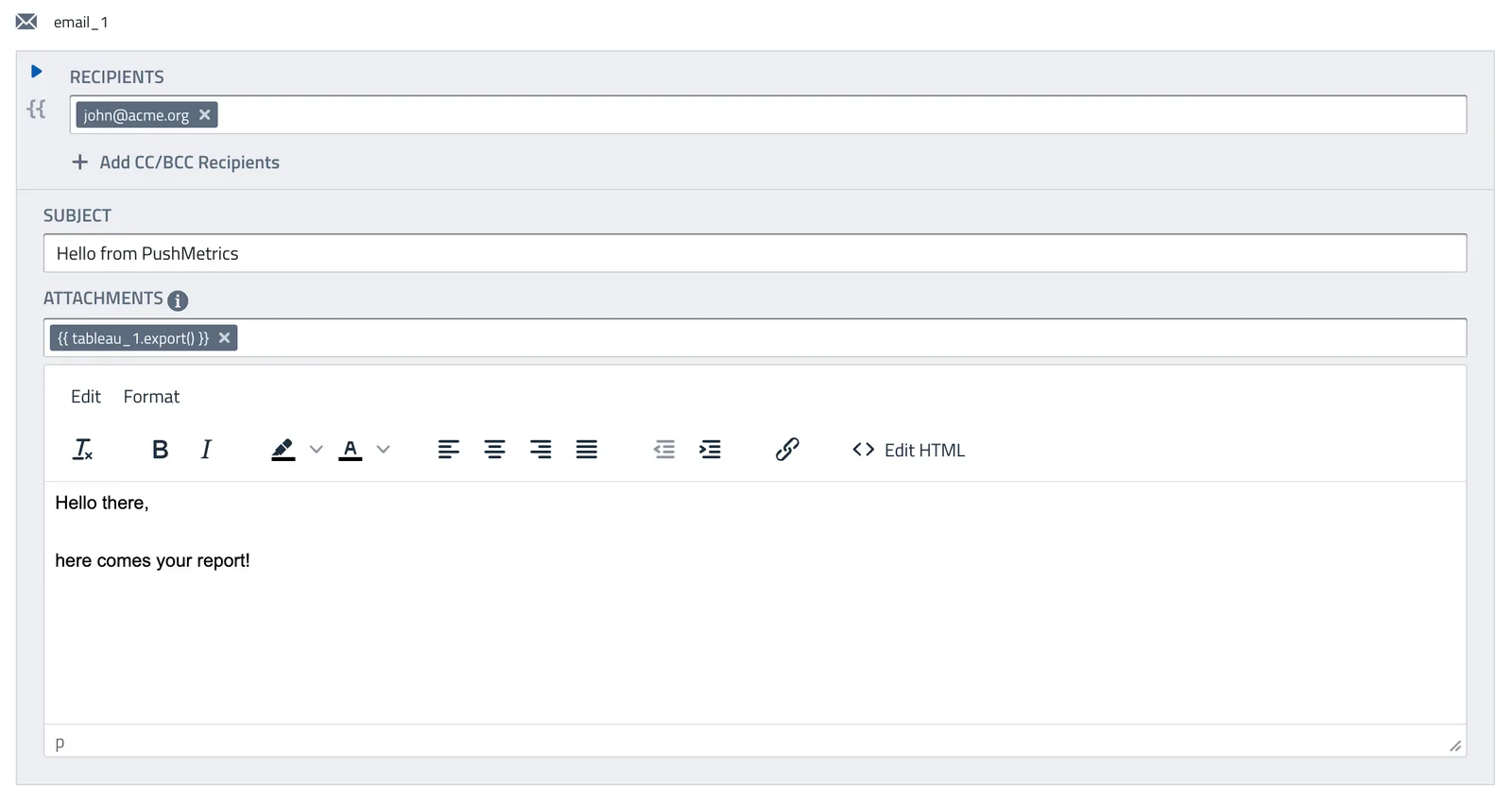
You can use data from other tasks (e.g. SQL queries) to dynamically populate recipients, subject, attachments and email body.
Creating Email Messages
The Email task has the following input options and limits:
- Recipients:
To,Cc, andBcc- limited to 50 recipients per message.
If you need to send to more than 50 recipients, create an email group or distribution list with your email provider and send to the group instead. - Subject
- Attachments: subject to the Attachment Size Limit of the SMTP integration used to send the message (the default integration allows up to 10 MB per message; a custom SMTP integration can set its own limit).
When the attachments exceed the limit, PushMetrics automatically sends secure download links instead — see Large attachments & download links below. Sending very large files inline is still not recommended; links are the better experience.
You can also attach a file only when it has data. See Conditional Attachments.
Large attachments & download links
If a report's attachments are larger than the sending SMTP integration's Attachment Size Limit, PushMetrics doesn't reject the email for its size — it uploads the files and replaces the inline attachments with secure download links in the message body:
The attachments were too large to send by email — download them here:
- Overview.png (182 KB)
- Product.png (253 KB)
These links expire in 14 days. Re-run the report for fresh links.
How the links work:
- The links are valid for 14 days from when the email is sent. After that the recipient must ask for the report to be re-run for fresh links.
- Each click generates a brand-new, short-lived (1-hour) secure download. The email never contains a direct file URL — it contains a PushMetrics link that, when clicked, mints a fresh time-limited link to the file. This keeps the link in the inbox working for the full 14 days while ensuring any individual file URL is only valid briefly.
- If you've configured self-hosted S3 storage, the files are stored in your own bucket and the links serve them from there. The 1-hour download window is fixed by PushMetrics and is independent of any presigned-URL expiration you set on your bucket connection.
- Re-running the report always produces new files and new links.
If any oversized attachment can't be turned into a download link, the email is not sent at all: the email task fails, and its error message says why. PushMetrics never sends a partial set of links, because the links that did work would look like the complete set. Re-running the report can fix a temporary failure; if it keeps happening, contact support.
- Email Body: The Editor allows many formatting options and outputs HTML emails. For full customization of the design, click on "Edit HTML".
Configuring Your FROM email address
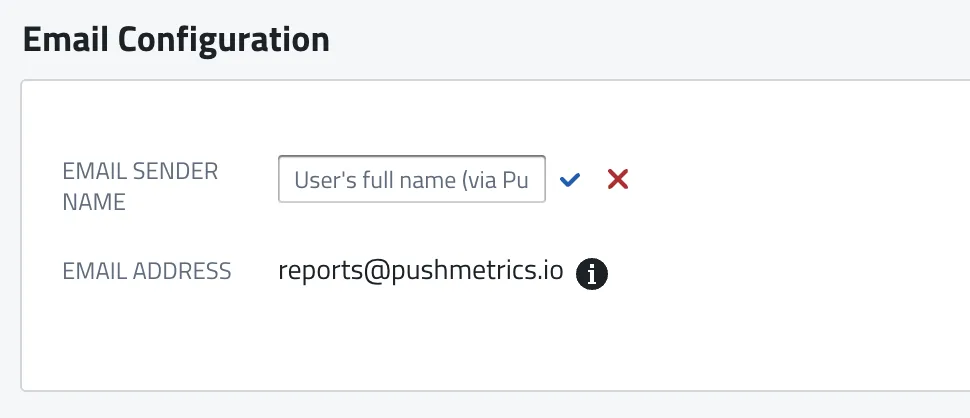
By default, messages are sent from reports@pushmetrics.io and the sender name is Your Name (via PushMetrics), e.g. John Doe (via PushMetrics) <reports@pushmetrics.io>.
If you want to send emails from a different address and sender name, you can change the email sender name in the Admin section.
You can also send emails from your own email address / domain.
To send from your own address, set up White-Label Emails — self-service domain verification on the Professional plan.