If you have a lot of notebooks, organizing all your content is really important.
In PushMetrics, there are multiple ways to keep things in order:
Folders
Create folders
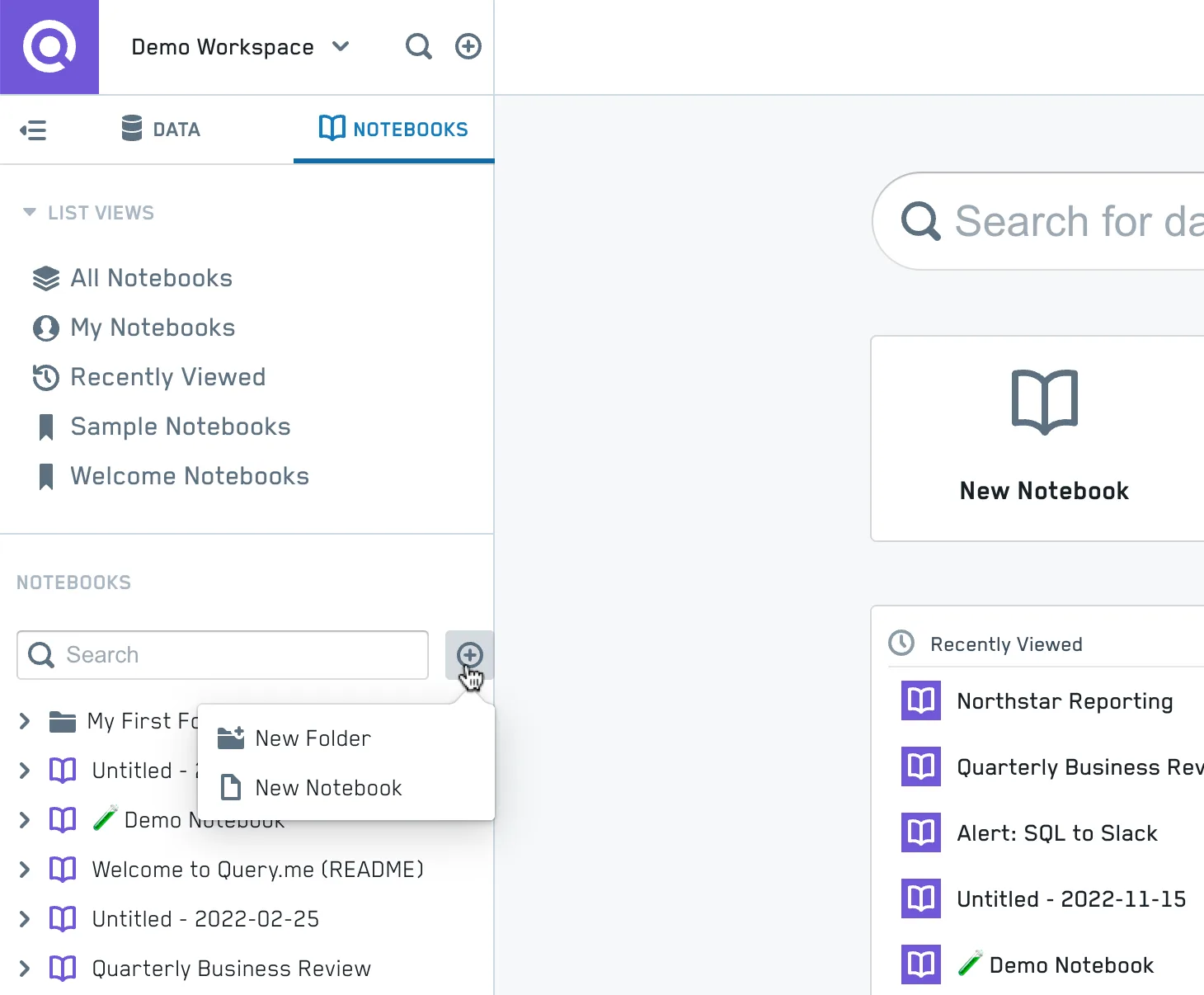
Create Folder
Move Notebooks among Folders
Access the folder moving feature from the Sidebar or the Notebook Header
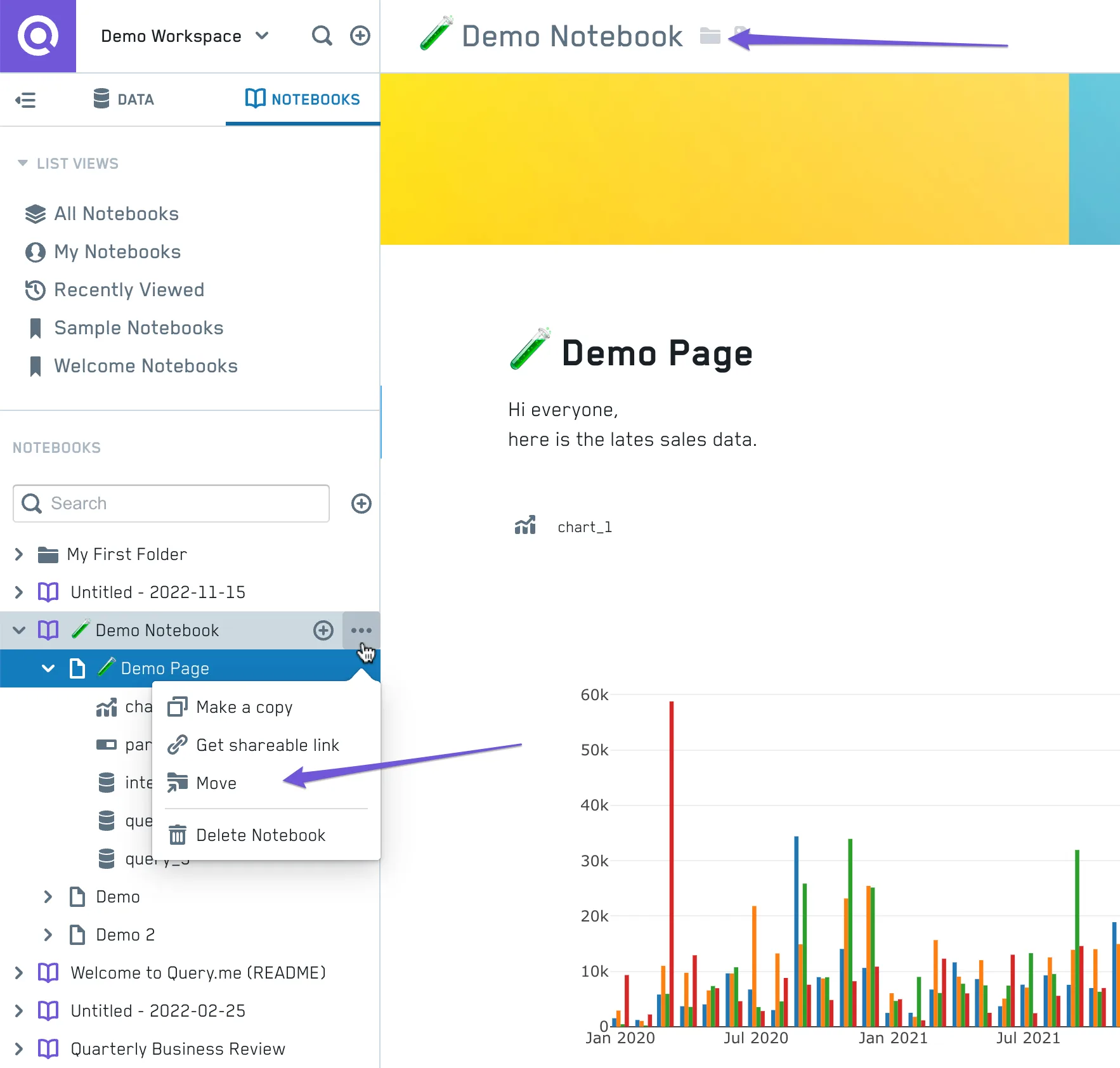
Move Notebook
You will be faced with a simple folder selection screen to choose a destination for your Notebook.
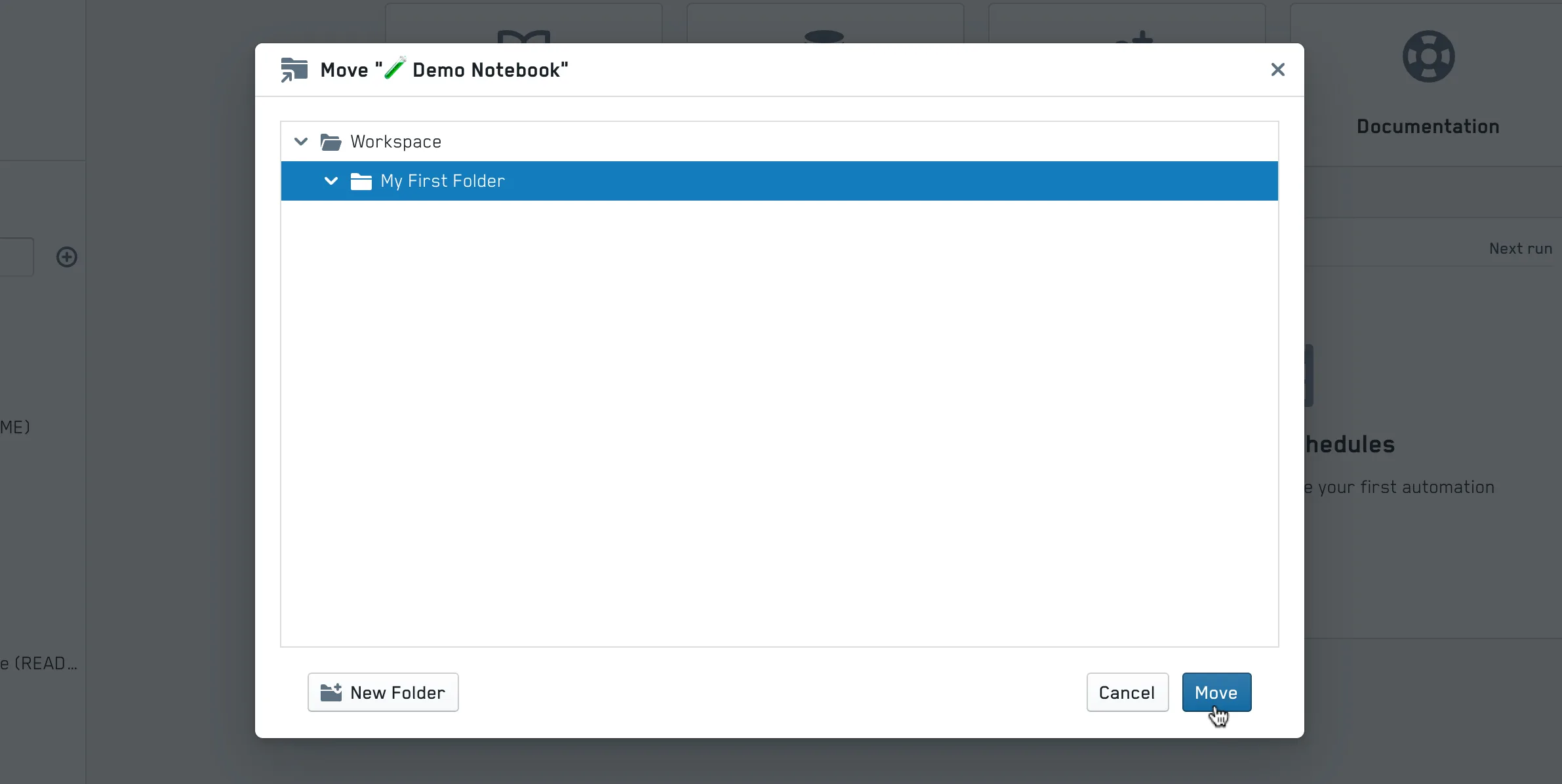
Folder Selection
Sharing a folder's reports
Folders organize content; they do not carry sharing settings of their own. To give someone access to everything in a folder, filter the report list by that folder, select all the reports, and use the Share action in the bulk actions menu — see Sharing Many Reports at Once. Note that this shares the reports that are in the folder at that moment; reports you add later are not shared automatically.
Tags
On the notebook list views, you can add Tags to a notebook:
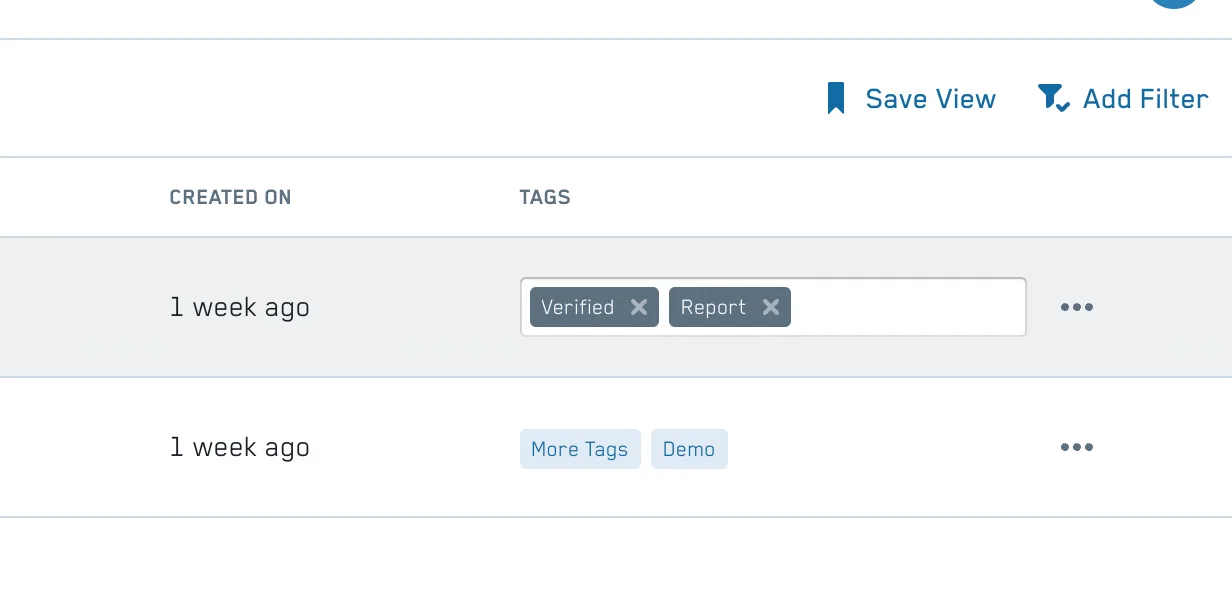
Tag your notebooks
Tags can also be applied in the Notebook Header
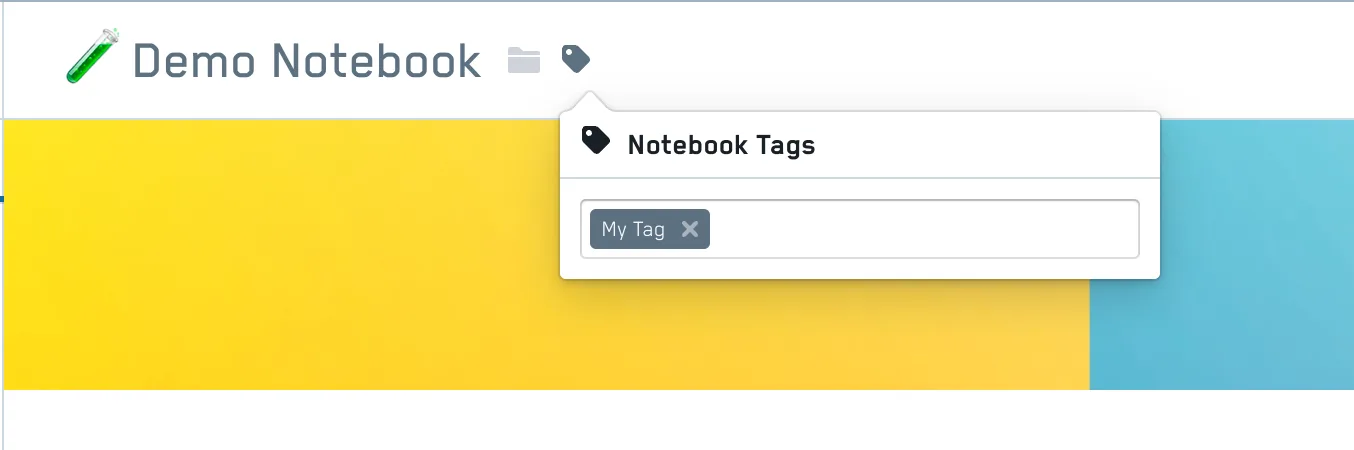
Apply Tag from Notebook
Filtering List Views
You can filter your Notebook list views for various attributes like Tag , Name, Created at, Created by, Modified at, Modified by .
Multiple filter criteria can be combined to create useful filter selections, for example, you can only show notebooks with the tag Verified that have been updated in the last 10 days.
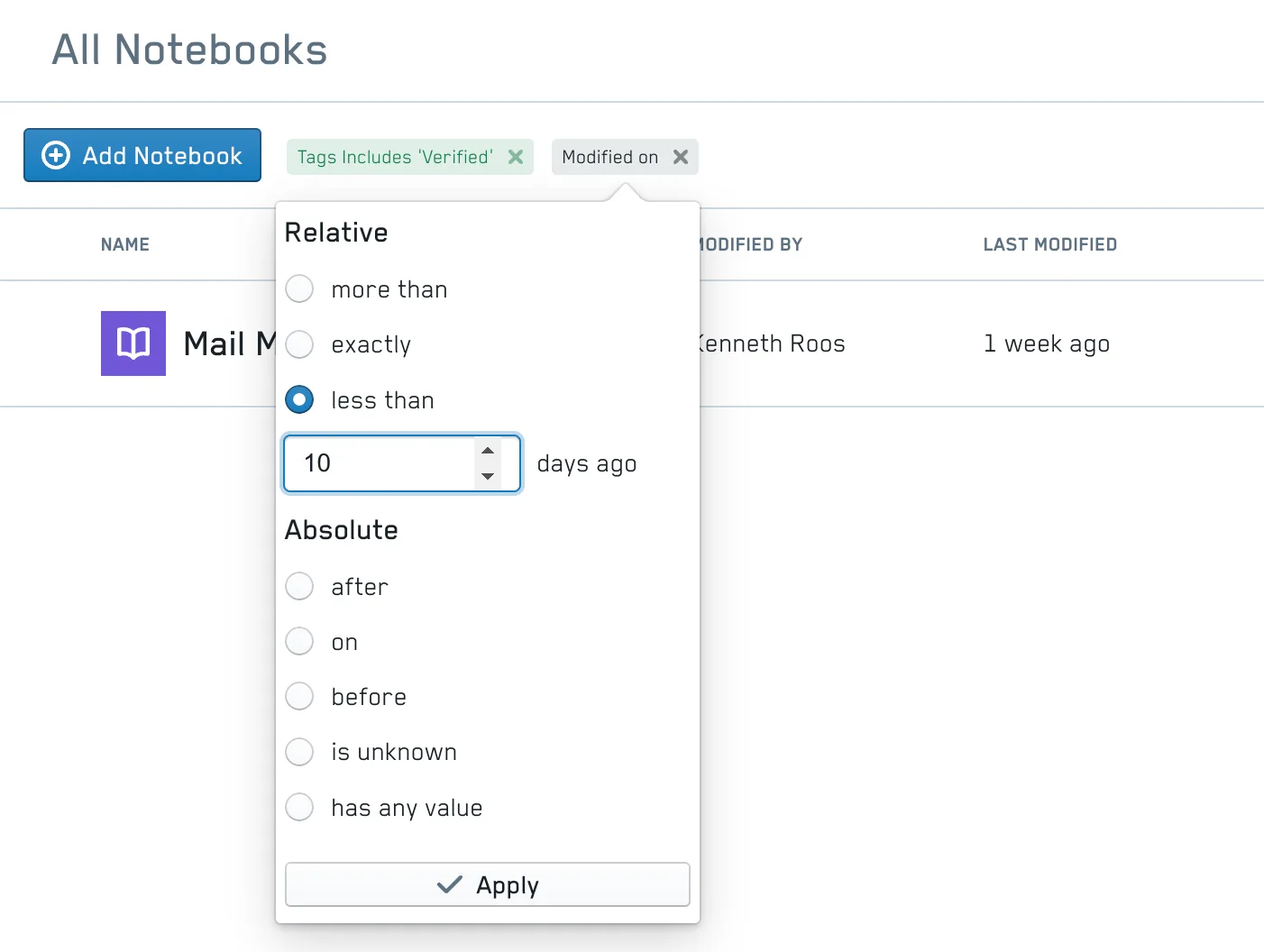
Combining multiple filter criteria
Creating Saved Views
Once you are happy with your filter selection, you can save this list as a Saved View .
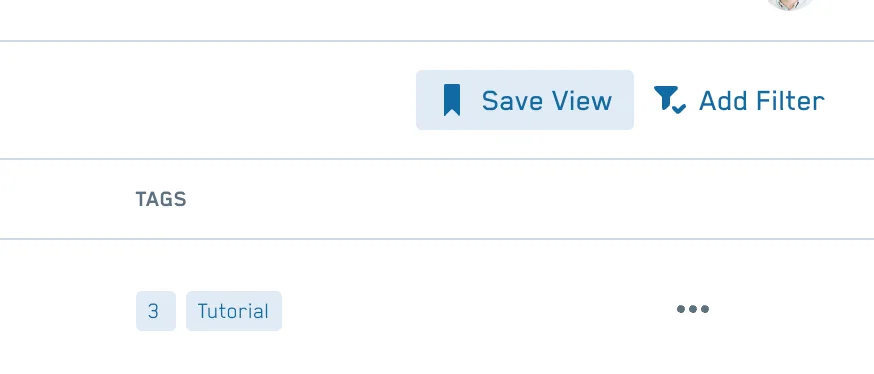
Save a filtered list as a view
Saved Views then show up in the left sidebar and provide handy shortcuts:
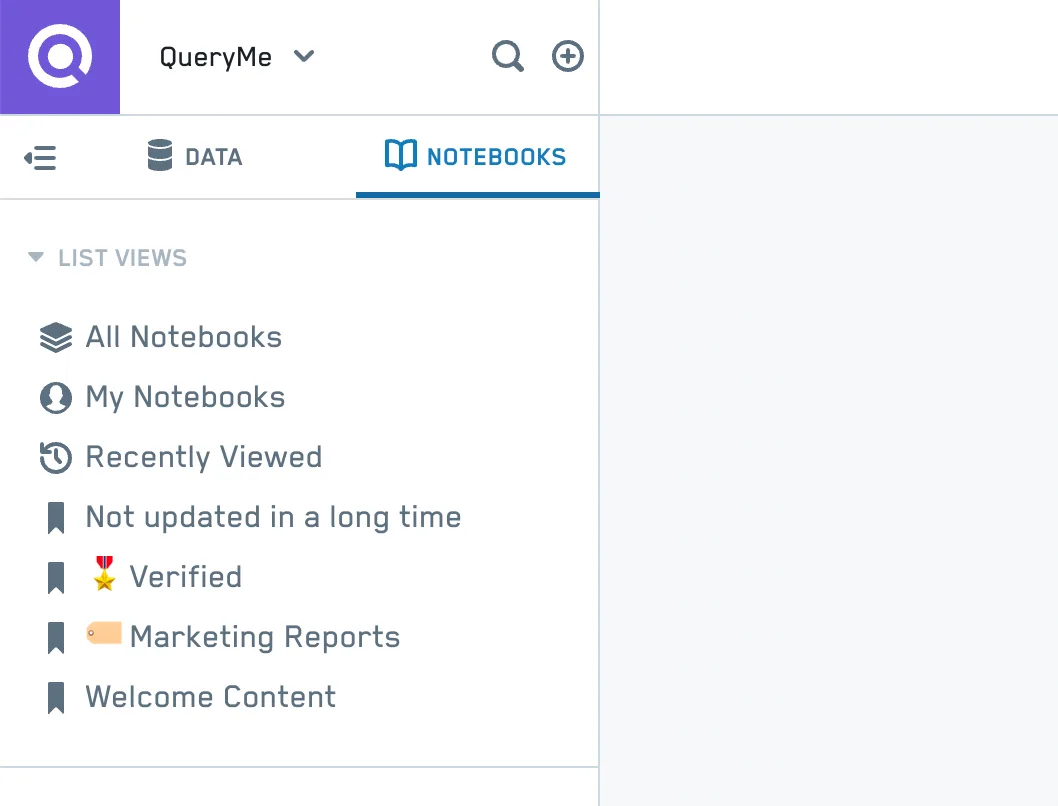
Saved Views for content curation
Please note that Saved Views are currently shared workspace-wide, meaning everyone will see the same views.
Especially when used with dynamic filter criteria like Tags and relative date filters like less than X days ago this is a powerful tool for content curation.