Connecting to MongoDB BI Connector
The MongoDB BI Connector allows you to query MongoDB data using standard SQL. To connect, the following information is required:
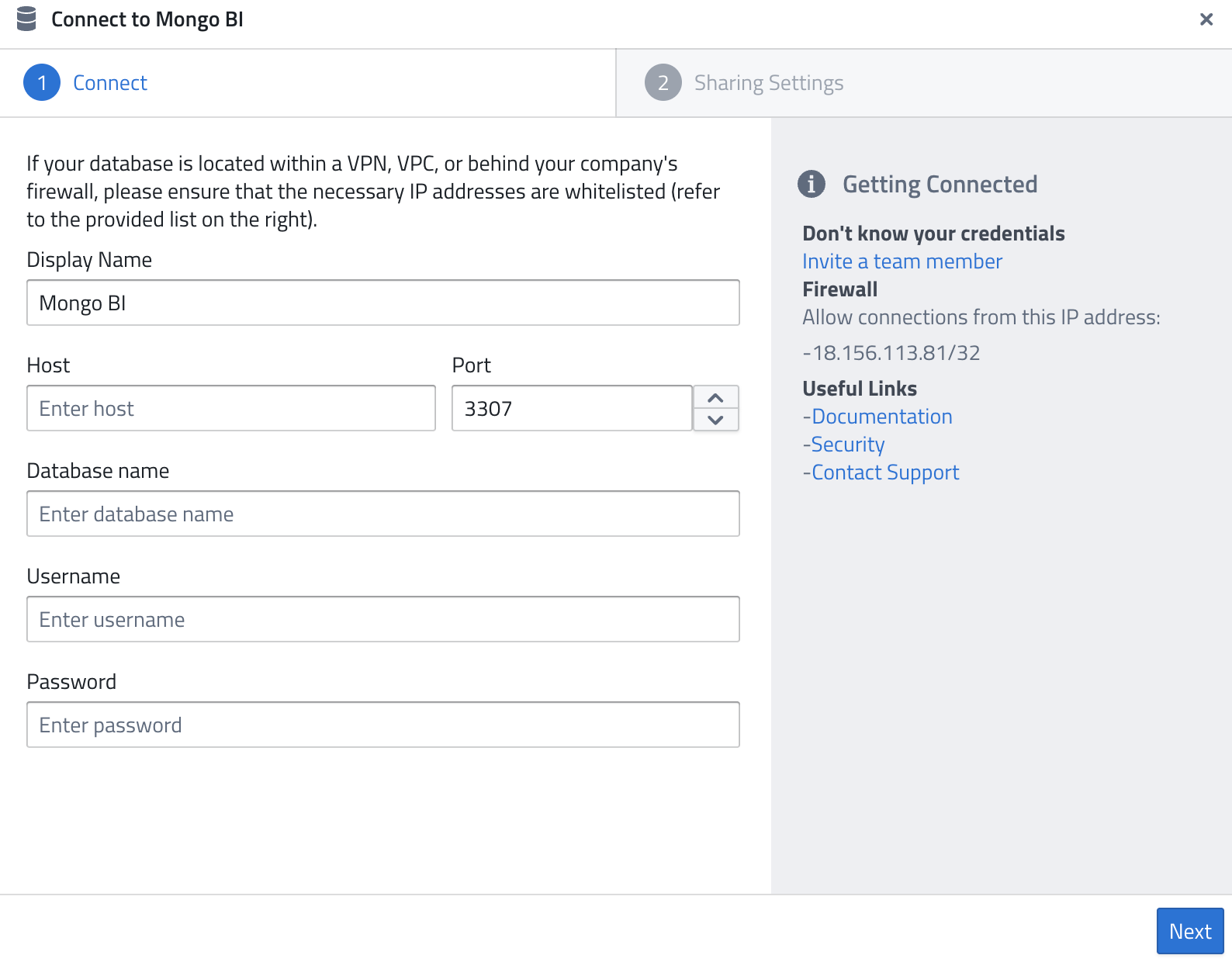
- Display Name — A name of your choice to identify the connection.
- Host — The IP address or hostname of your MongoDB BI Connector instance.
- Port — The port to connect on (default:
3307). - Database name — The name of the MongoDB database you want to query.
- Username — A user with permission to query the database.
- Password — The password for the database user.
Prerequisites
The MongoDB BI Connector (mongosqld) must be installed and running, either on your MongoDB server or as a standalone service. The BI Connector translates SQL queries into MongoDB queries and presents your collections as relational tables.
Firewall
As for all database systems, the following IP might need to be whitelisted:
18.156.113.81/32
Related Documentation: