Connecting to IBM DB2
To connect to IBM DB2 the following information is required:
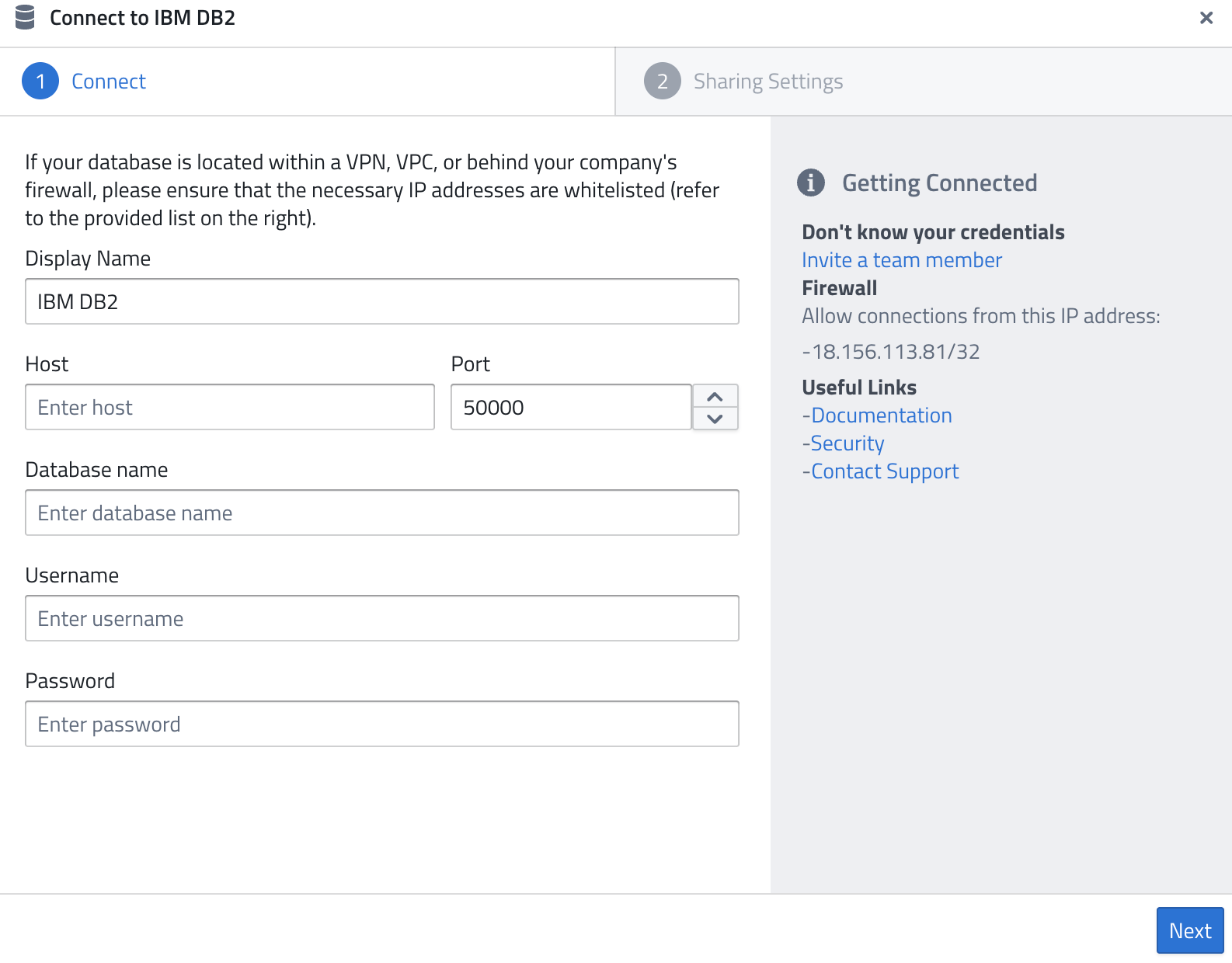
- Display Name — A name of your choice to identify the connection.
- Host — The IP address or hostname of your DB2 server.
- Port — The port to connect on (default:
50000). - Database name — The name of the database you want to query.
- Username — A database user with permission to query the database.
- Password — The password for the database user.
Firewall
As for all database systems, the following IP might need to be whitelisted:
18.156.113.81/32
Related Documentation: