Connecting to Databricks
To connect to Databricks the following information is required:
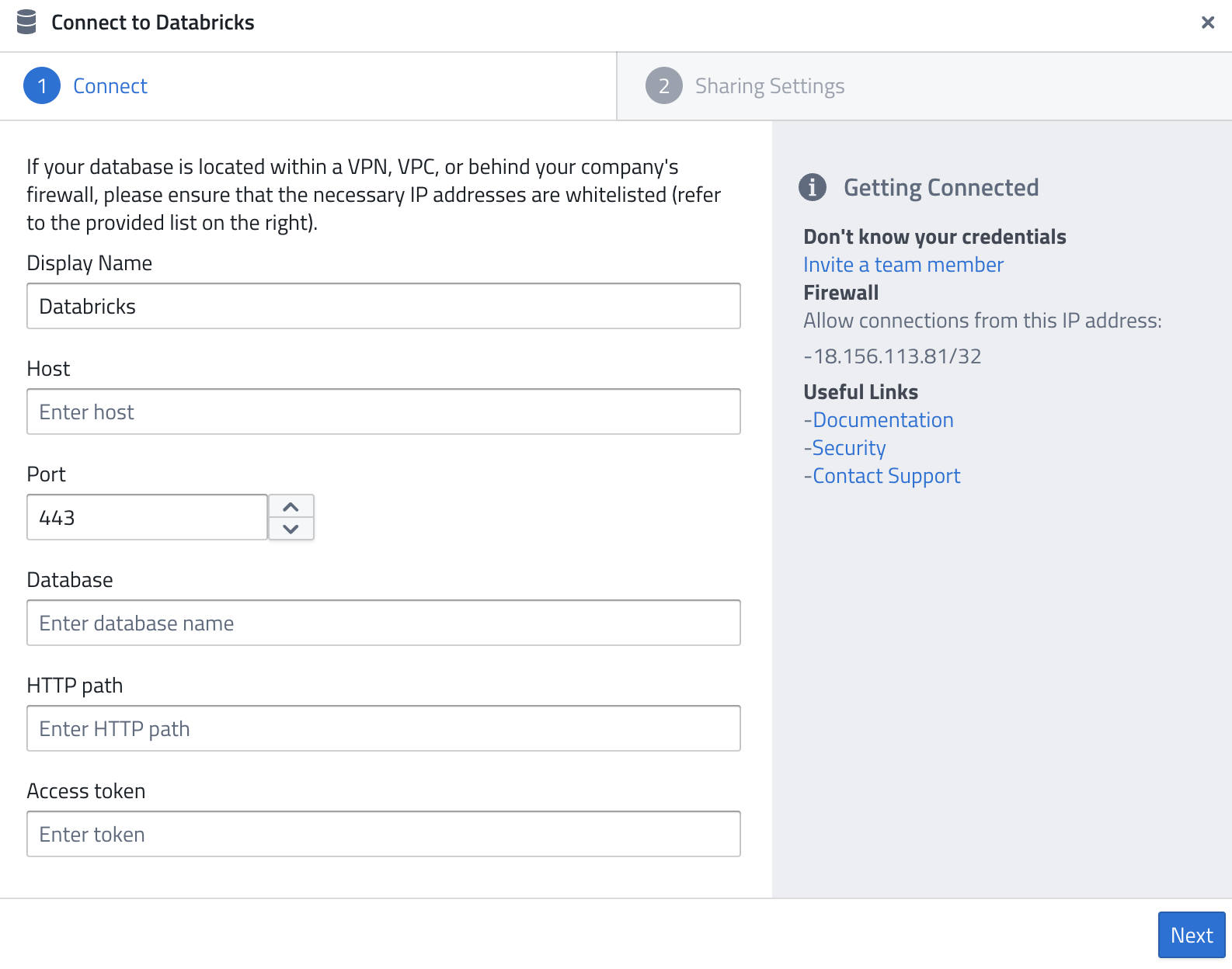
- Display Name — A name of your choice to identify the connection.
- Host — The server hostname of your Databricks workspace, e.g.
adb-1234567890123456.7.azuredatabricks.netoryour-workspace.cloud.databricks.com. - Port — The port to connect on (default:
443). - Database — The name of the catalog or database you want to query.
- HTTP path — The HTTP path of your SQL warehouse or cluster, e.g.
/sql/1.0/warehouses/abc123or/sql/protocolv1/o/1234567890123456/0123-456789-abcdefgh. - Access token — A Databricks personal access token for authentication.
Finding Your Connection Details
- In your Databricks workspace, go to SQL Warehouses (or Compute for all-purpose clusters).
- Select your warehouse/cluster and open the Connection details tab.
- Copy the Server hostname, Port, and HTTP path values.
To generate a personal access token:
- Go to Settings → Developer → Access tokens.
- Click Generate new token, give it a description, and set an expiry.
- Copy the token — it is only shown once.
Firewall
As for all database systems, the following IP might need to be whitelisted:
18.156.113.81/32
Related Documentation: