Connecting to Amazon DynamoDB
PushMetrics lets you query DynamoDB tables using standard SQL syntax. To connect, the following information is required:
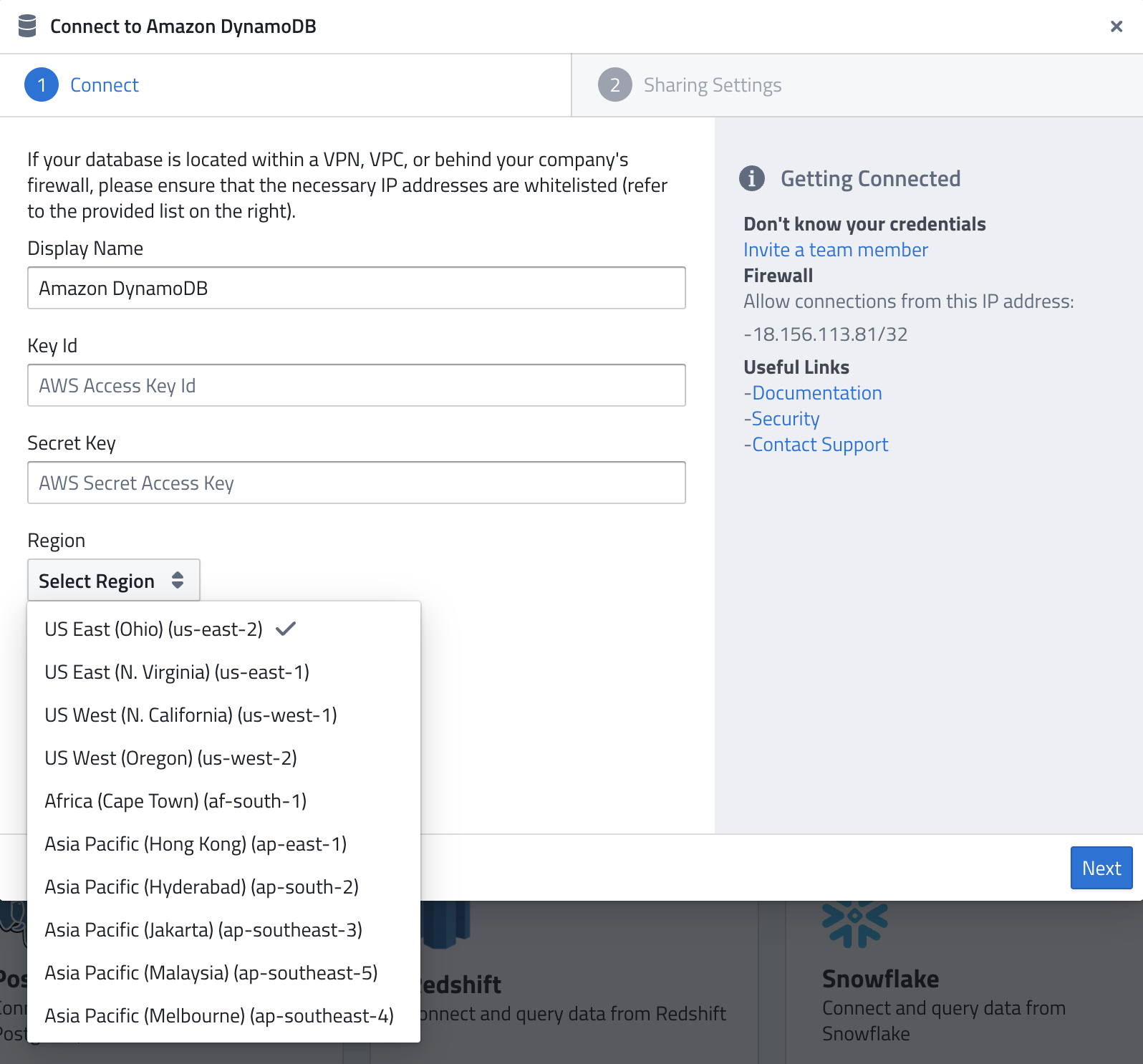
- Display Name — A name of your choice to identify the connection.
- Key Id — Your AWS Access Key ID.
- Secret Key — The corresponding AWS Secret Access Key.
- Region — The AWS region where your DynamoDB tables are located. Select from the dropdown (e.g.
us-east-1,eu-central-1).
AWS Permissions
The IAM user associated with the provided credentials needs permissions to read from your DynamoDB tables. At minimum:
dynamodb:Scandynamodb:Querydynamodb:DescribeTabledynamodb:ListTables
The simplest option is to attach the AmazonDynamoDBReadOnlyAccess managed policy to the IAM user.
Querying DynamoDB
Once connected, you can query DynamoDB tables using SQL in your notebooks and reports. DynamoDB's NoSQL data is translated to a tabular format so you can use standard SELECT statements, WHERE clauses, and aggregations.
Firewall
As for all database systems, the following IP might need to be whitelisted:
18.156.113.81/32
Related Documentation: