Variables let you inject data in your template. In PushMetrics, they're called parameters.
Jinja variables in Python
Working in Python, the simplest way to set variables is as a Dictionary. You can then use your dictionary as an argument for the .render() method of the Jinja Template.
from jinja2 import Template # Define query variables variables = { "column": "value", "min_date": "2022-01-01", "max_date": "2022-12-31" } # Create a Jinja template for the query template = Template(""" SELECT * FROM table WHERE column = '{{ column }}' AND date BETWEEN '{{ min_date }}' AND '{{ max_date }}' """) # Render the template along with the variables query = template.render(variables) # Print the results print(query) Jinja variables in SQL
You can set variables in your SQL template just like you would do for any other Jinja template. The following code would result in the same query as the code in the example above:
{% set column = "value" %} {% set min_date = "2022-01-01" %} {% set max_date = "2022-12-31" %} SELECT * FROM table WHERE column = '{{ column }}' AND date BETWEEN '{{ min_date }}' AND '{{ max_date }}' Why would you use Jinja variables in SQL?
To reduce (or avoid altogether) repetition. Consider the follow CTE query:
{% set day_param = current_date - 1 %} with query_1 as ( select date, * from table_one where date = {{ day_param }} ) ,query_2 as ( select date, * from table_two where date = {{ day_param }} ) select * from query_1 one join query_2 two on two.date = one.date Using day_param you can reuse the same query with different values.
Variables in PushMetrics
There are two ways in PushMetrics to set variables that are then available in throughout your notebook, including all SQL, API, Email, or Slack blocks.
1. Parameter Blocks
Create a _parameter block_ and reference its name in SQL
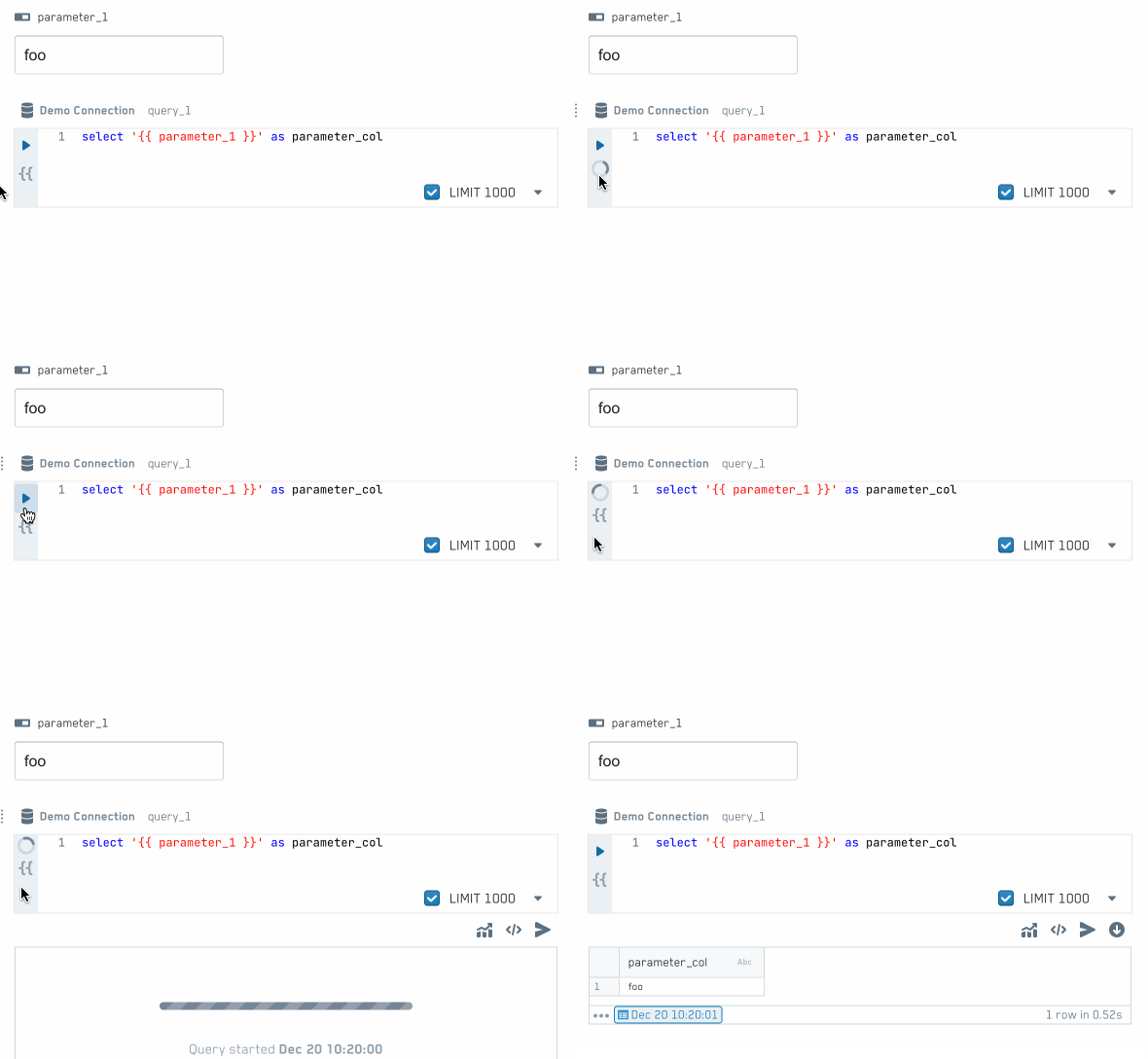
2. Jinja in text blocks
In PushMetrics you can write Jinja anywhere. To create a variable you can use the following Syntax:
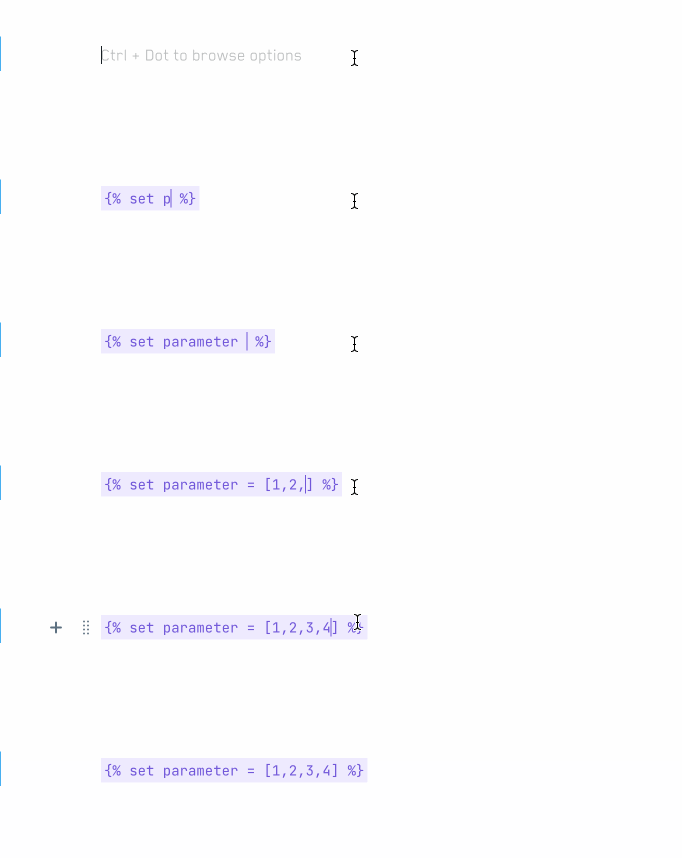
{% set parameter = [1,2,3,4] %} The value of parameter will then be available to all following blocks defined in the notebook.